> For the complete documentation index, see [llms.txt](https://docs.archisketch.com/llms.txt). Markdown versions of documentation pages are available by appending `.md` to page URLs; this page is available as [Markdown](https://docs.archisketch.com/guide/user-jp/make-project/what-is-editor.md).
# エディターとは?
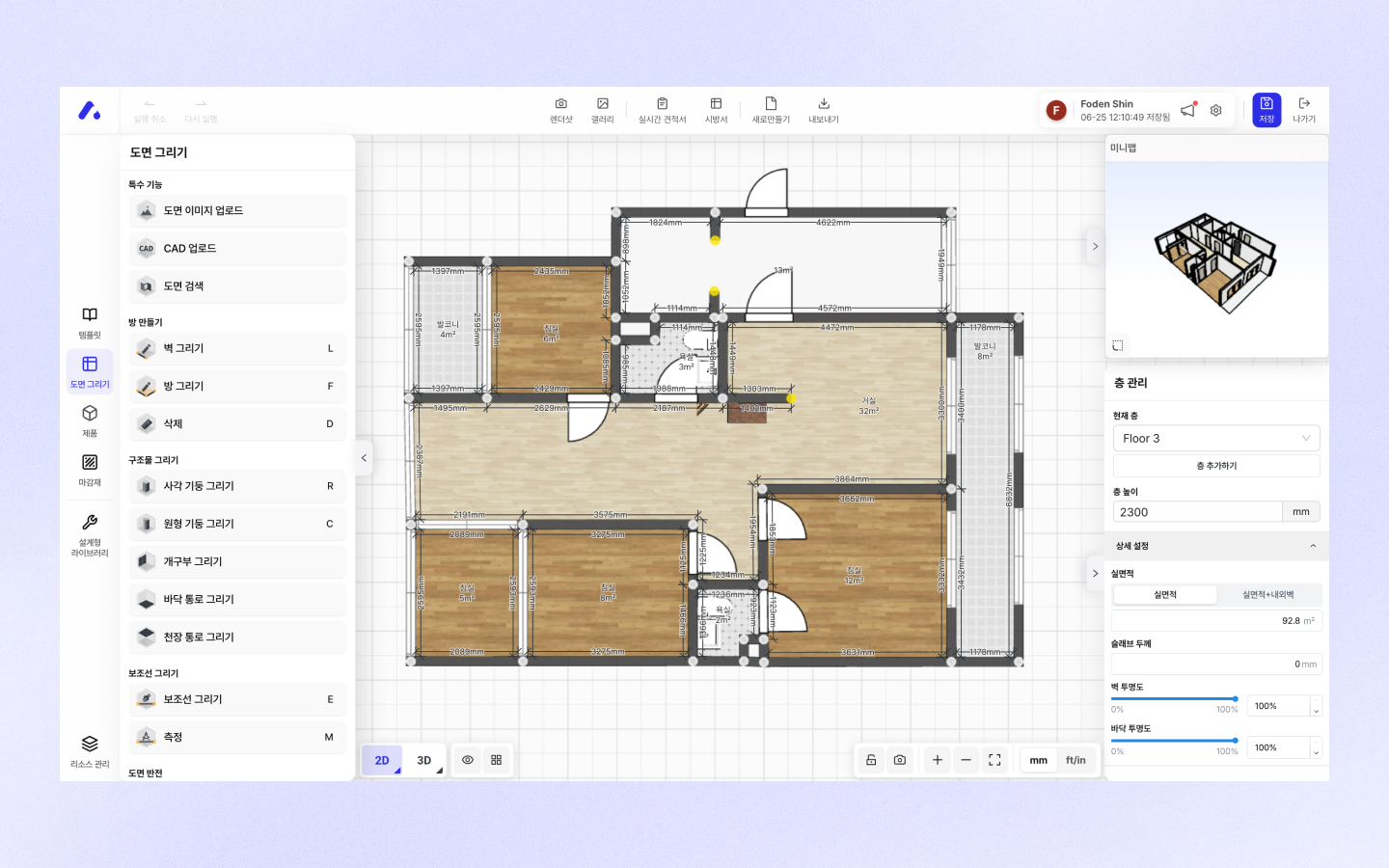
エディターはArchisketch独自の家具配置および間取り作成ツールです。自分のプロジェクトを作成したり、間取りを読み込んだときに表示される画面です。この空間で間取りを描き、家具や仕上げ材を配置し、レンダリングを撮影できます。
## エディター画面の基本操作
#### 画面移動 / 角度調整
エディターに入って図面に出会ったら、マウスを使って画面を移動し、角度を調整できます。\
2Dモードと3Dモードによって操作方法が少し異なるので、以下の内容をご参照ください!
**2Dモード**
| 機能 | 操作方法 |
| ------------ | ------------------------ |
| **画面移動** | マウスクリック(左/右どちらでも可) |
| **画面の拡大/縮小** | マウスのスクロールバーでズームイン/ズームアウト |
**3Dモード**
| 機能 | 操作方法 |
| ------------- | ------------------------- |
| **画面移動** | マウス右クリック |
| **画面視点の角度調整** | マウス左クリックを押したままドラッグして角度を調整 |
| **画面の拡大/縮小** | マウスのスクロールバーでズームイン/ズームアウト |

## エディターの基本機能紹介
### ステップ1. 空間と図面を描く

\[図面作成]ページのさまざまな描画機能を活用して、自分だけの空間を描いてみましょう。
### ステップ2. 家具とインテリア小物を配置する

\[家具ライブラリ]、\[仕上げ材ライブラリ]タブページを通じて、製品や仕上げ材を使用できます。
### ステップ3. モード変更およびビューア設定

下のエリアをクリックして、エディターモードを2D/3Dに変更したり、ビューアモードを設定したりできます。
### ステップ4. レンダーコンテンツを作成する

レンダリングボタンをクリックすると、完成した空間を使ってさまざまな実写化コンテンツを作成できます。
### ステップ5. ギャラリーを確認する
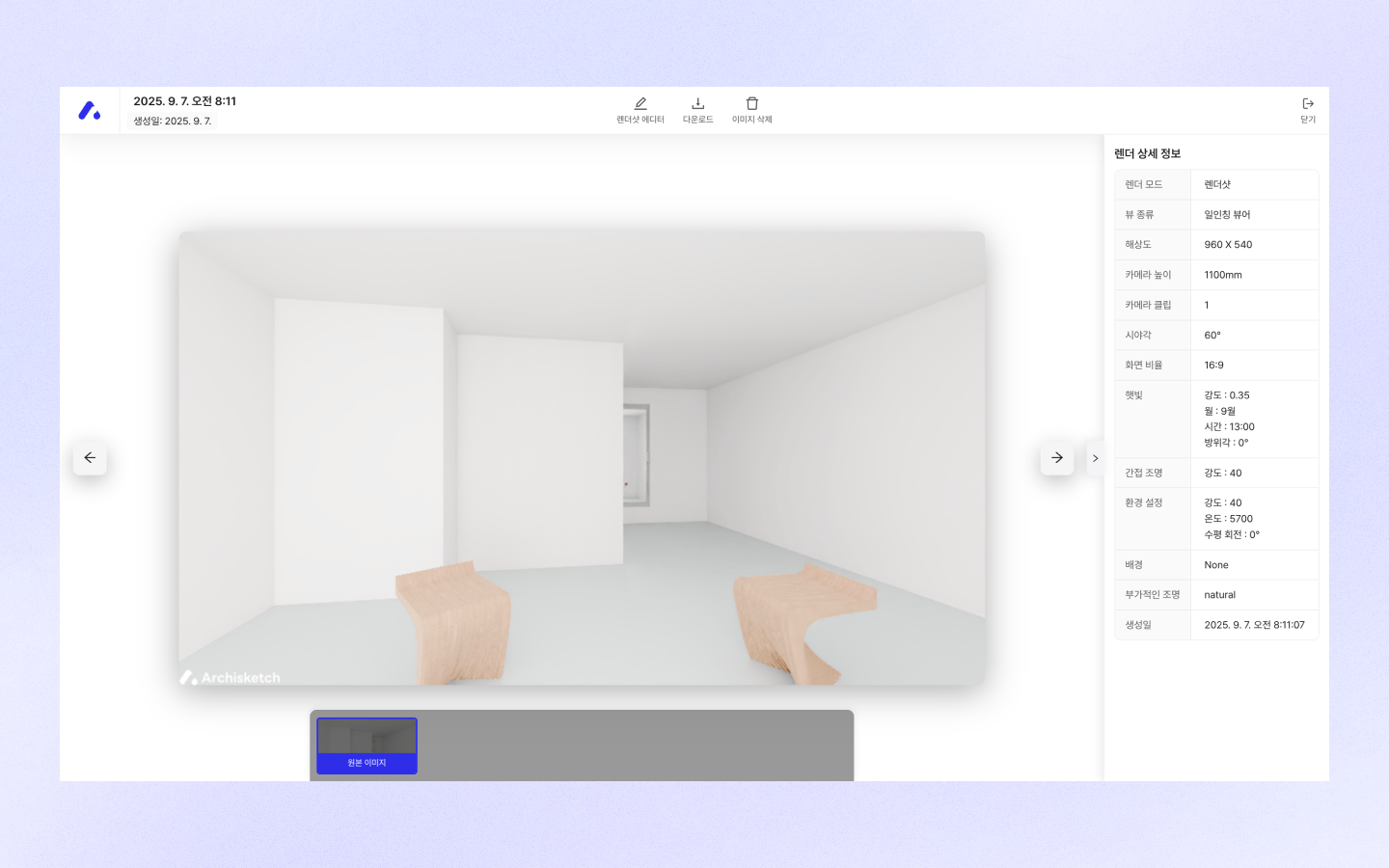
ギャラリーボタンをクリックすると、レンダリングが完了したさまざまな実写化コンテンツを見ることができます。
---
# Agent Instructions
This documentation is published with GitBook. GitBook is the documentation platform designed so that both humans and AI agents can read, navigate, and reason over technical content effectively. Learn more at gitbook.com.
## Querying This Documentation
If you need additional information that is not directly available in this page, you can query the documentation by asking a question.
Perform an HTTP GET request on the following URL with the `ask` and `goal` query parameters:
```
GET https://docs.archisketch.com/guide/user-jp/make-project/what-is-editor.md?ask=&goal=
```
`ask` is the immediate question: it should be specific, self-contained, and written in natural language.
`goal` is what the user is ultimately trying to achieve, the reason they need the answer. Sharing it helps GitBook give you a better, more relevant answer. A goal is most helpful when it describes the outcome the user wants rather than restating the question. For example, with `ask=how do I create an API token`, a goal like `automate deployments from our CI pipeline` lets GitBook tailor the answer to that use case.
The response will contain a direct answer to the question and relevant excerpts and sources from the documentation.
Use this mechanism when the answer is not explicitly present in the current page, you need clarification or additional context, or you want to retrieve related documentation sections.