> For the complete documentation index, see [llms.txt](https://docs.archisketch.com/llms.txt). Markdown versions of documentation pages are available by appending `.md` to page URLs; this page is available as [Markdown](https://docs.archisketch.com/guide/intro-jp/update-note/2026/202607/20260722.md).
# \[2026.07.22] 相談UX・パーツ分類体系を改善、カテゴリ幅調整およびエディタのお知らせを改善
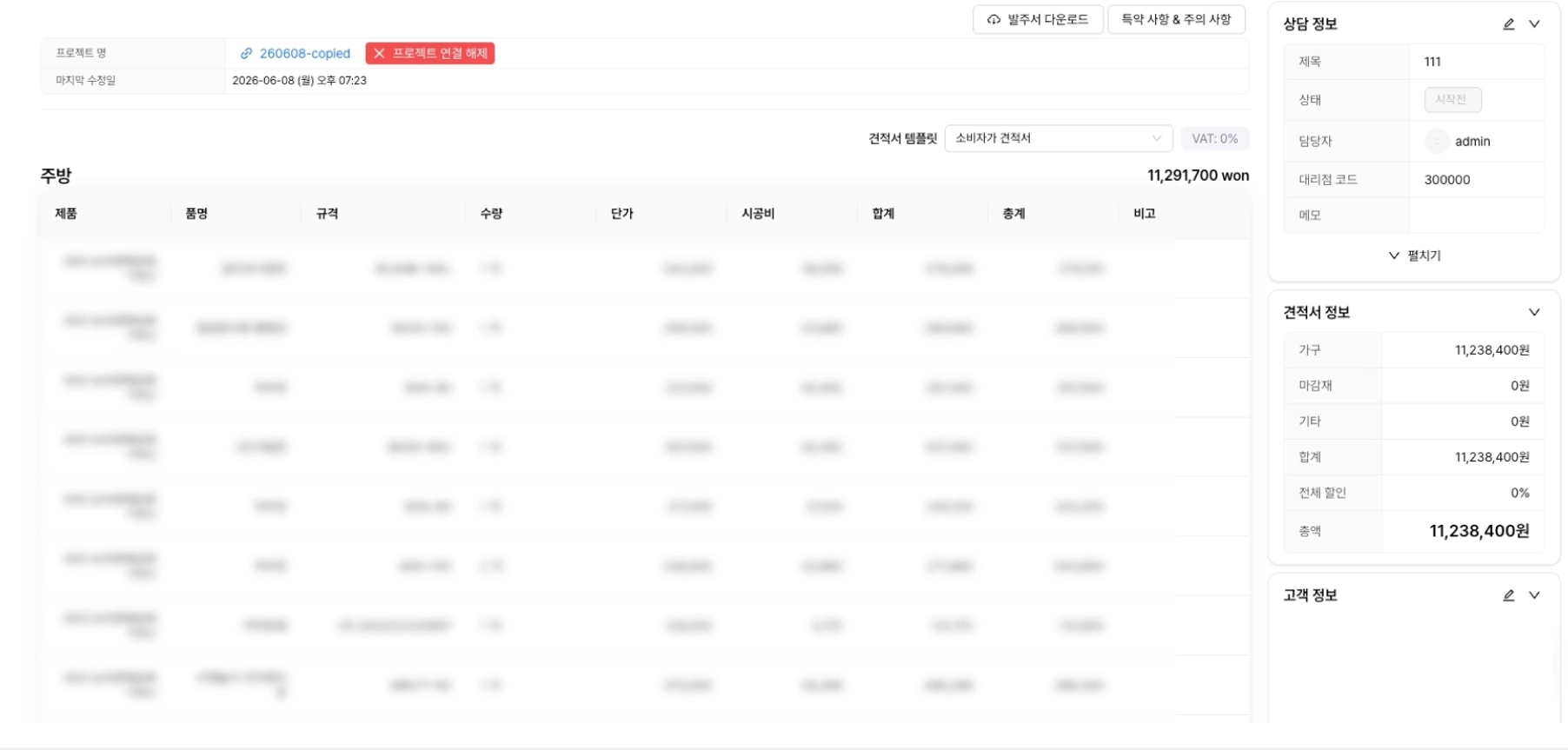
### 1.1.(改善)相談の作成・編集UX改善
相談の作成と編集の流れを簡素化しました。以前は作成ボタンを押すと別の入力画面が開いていましたが、これからは基本情報だけで相談がすぐに作成され、詳細ページへ移動します。図面エディタから遷移する場合も同様です。相談名、進行状況、代理店コード、予算、空間サイズ、施工・配送予定日、メモまで、ポップアップなしで詳細ページの1画面で確認・修正できます。
以前

以後
### 1.2.(改善)ダッシュボード内の部品分類体系の改善
部品分類に大分類・中分類・小分類の3段階体系を導入しました。カテゴリを作成する際は、これからはデータタイプの代わりに定められた部品の大分類リストから選びます。部品詳細ページにも分類項目が追加され、現在の分類をすぐに確認し、大分類→中分類→小分類の順に選んで保存できます。小分類まで下りずに上位分類で止めても構いません。


### 1.3.(新規)カテゴリフォルダ領域の幅調整機能を追加
これからはカテゴリフォルダのサイド領域の幅を直接調整できます。右端の境界線をドラッグすると、最小200pxから最大480pxまで広げたり縮めたりでき、調整した幅は保存されるため、再度アクセスしてもそのままです。フォルダ名とカテゴリ名は幅に合わせて最大2行まで表示され、それより長い場合は省略表示になります。従来の折りたたみ・展開もそのまま使えます。
## 2. エディタ
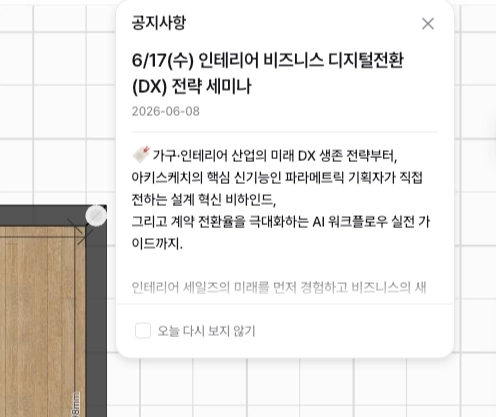
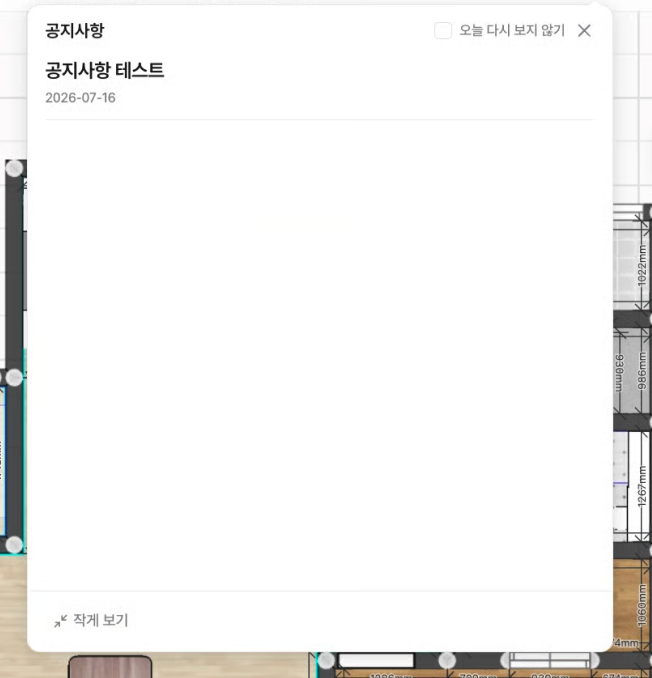
### 2.1.(改善)お知らせのサイズ調整およびUI改善
図面エディタのお知らせを大きくも小さくも表示できます。下部に拡大表示・縮小表示ボタンを追加し、選んだサイズは保存されて次回のアクセスでも維持されます。「今日から再表示しない」は上部に移動し、角や影など全体的なデザインも整えました。
以前
以後
---
# Agent Instructions
This documentation is published with GitBook. GitBook is the documentation platform designed so that both humans and AI agents can read, navigate, and reason over technical content effectively. Learn more at gitbook.com.
## Querying This Documentation
If you need additional information that is not directly available in this page, you can query the documentation dynamically by asking a question.
Perform an HTTP GET request on the current page URL with the `ask` query parameter, and the optional `goal` query parameter:
```
GET https://docs.archisketch.com/guide/intro-jp/update-note/2026/202607/20260722.md?ask=&goal=
```
`ask` is the immediate question: it should be specific, self-contained, and written in natural language.
`goal` is optional and describes the broader end goal you are ultimately trying to accomplish on behalf of the user. GitBook uses it to tailor the answer towards what is most useful for that goal.
The response will contain a direct answer to the question and relevant excerpts and sources from the documentation.
Use this mechanism when the answer is not explicitly present in the current page, you need clarification or additional context, or you want to retrieve related documentation sections.