> For the complete documentation index, see [llms.txt](https://docs.archisketch.com/llms.txt). Markdown versions of documentation pages are available by appending `.md` to page URLs; this page is available as [Markdown](https://docs.archisketch.com/guide/intro-en/update-note/2026/202607/20260722.md).
# \[2026.07.22] Improved consultation UX and part classification system, category width adjustment, and editor announcements
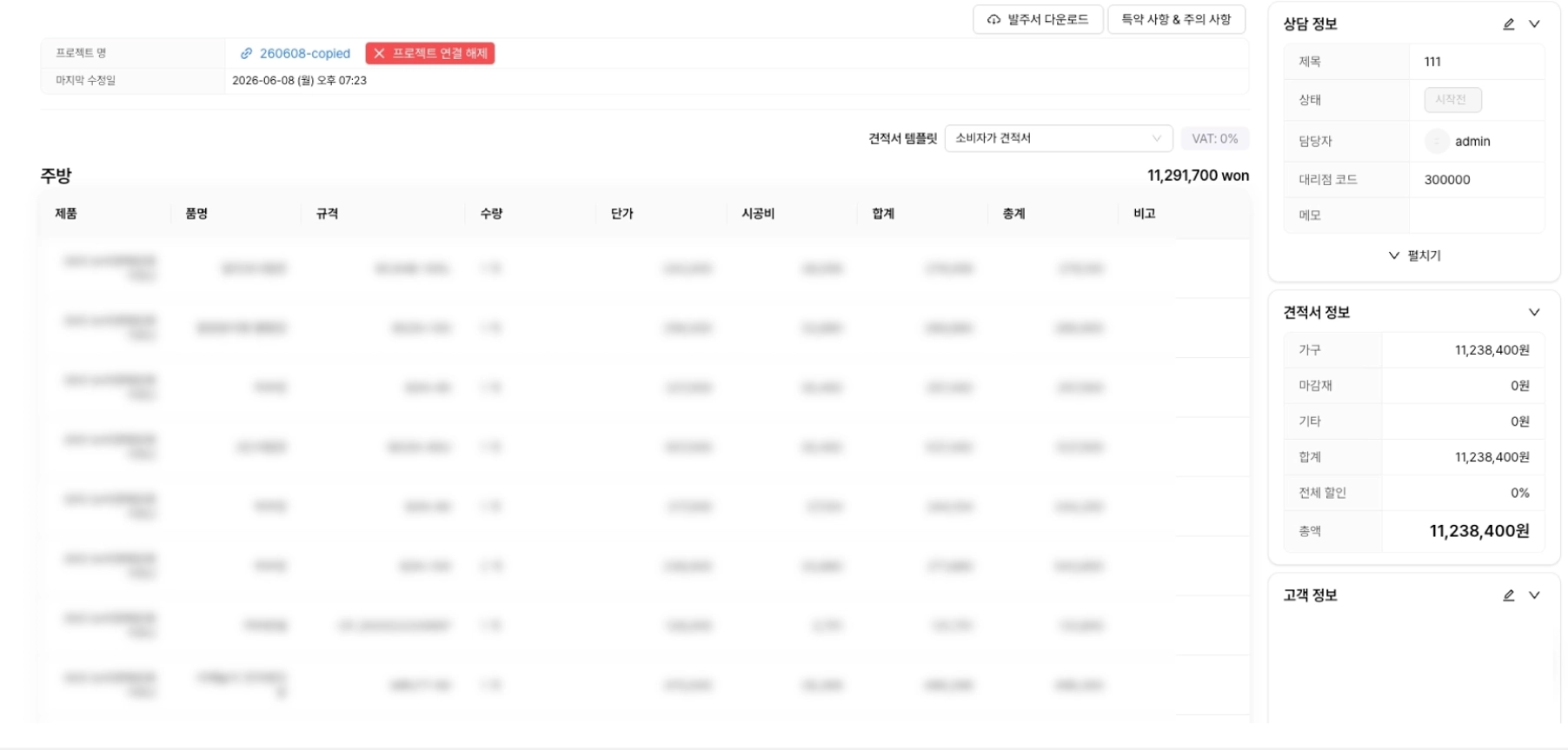
### 1.1. (Improvement) Consultation creation and editing UX improvements
We simplified the consultation creation and editing flow. Previously, clicking the create button opened a separate input window, but now a consultation is created right away with only the basic information, and you are taken to the detail page. The same applies when coming from the drawing editor. You can view and edit the consultation name, progress status, dealer code, budget, space size, expected construction/delivery date, and notes all on one detail page without a pop-up.
Before

After
### 1.2. (Improvement) Improved parts classification system in the dashboard
We introduced a three-tier system of major, middle, and minor classifications for parts classification. When creating a category, you now choose from a predefined list of major part categories instead of data types. A classification field has also been added to the part detail page, so you can immediately check the current classification and save by selecting in order from major category → middle category → minor category. You can stop at a higher-level classification without going all the way down to the minor category.


### 1.3. (New) Added the ability to adjust the width of the category folder area
Now you can directly adjust the width of the category folder side area. Drag the right boundary to expand or reduce it from a minimum of 200px to a maximum of 480px, and the adjusted width is saved so it stays the same when you return. Folder names and category names are shown up to two lines to fit the width, and anything longer is truncated with an ellipsis. The existing collapse/expand feature is still available.
## 2. Editor
### 2.1. (Improvement) Notice size adjustment and UI improvements
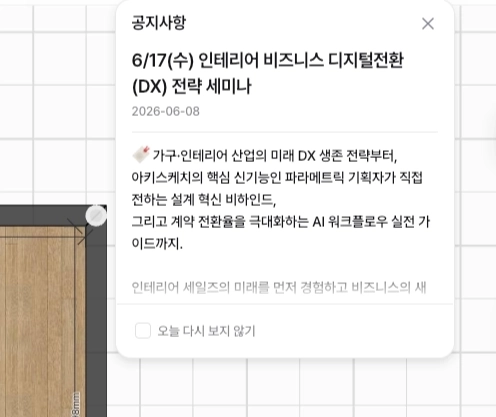
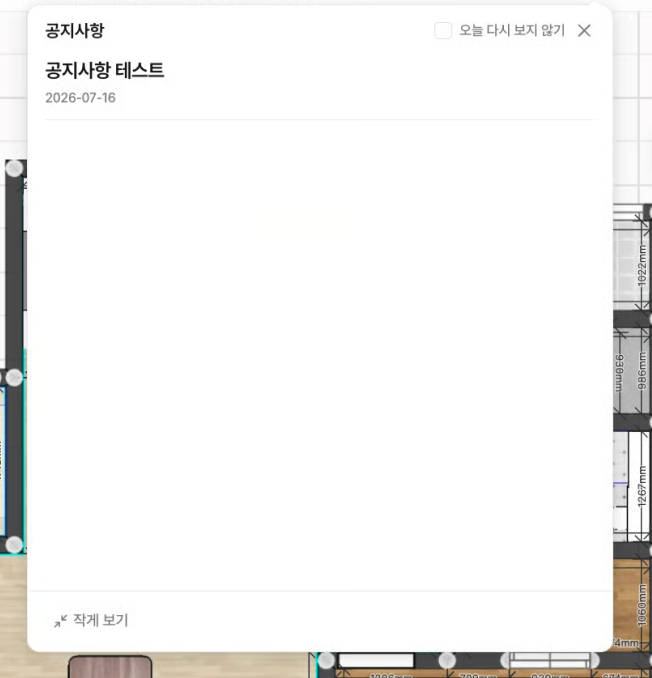
You can view the drawing editor notice in a larger or smaller size. We added Large View and Small View buttons at the bottom, and the chosen size is saved and retained on your next visit. 'Don't show again today' has been moved to the top, and the overall design, including corners and shadows, has been refined.
Before
After
---
# Agent Instructions
This documentation is published with GitBook. GitBook is the documentation platform designed so that both humans and AI agents can read, navigate, and reason over technical content effectively. Learn more at gitbook.com.
## Querying This Documentation
If you need additional information that is not directly available in this page, you can query the documentation dynamically by asking a question.
Perform an HTTP GET request on the current page URL with the `ask` query parameter, and the optional `goal` query parameter:
```
GET https://docs.archisketch.com/guide/intro-en/update-note/2026/202607/20260722.md?ask=&goal=
```
`ask` is the immediate question: it should be specific, self-contained, and written in natural language.
`goal` is optional and describes the broader end goal you are ultimately trying to accomplish on behalf of the user. GitBook uses it to tailor the answer towards what is most useful for that goal.
The response will contain a direct answer to the question and relevant excerpts and sources from the documentation.
Use this mechanism when the answer is not explicitly present in the current page, you need clarification or additional context, or you want to retrieve related documentation sections.