> For the complete documentation index, see [llms.txt](https://docs.archisketch.com/llms.txt). Markdown versions of documentation pages are available by appending `.md` to page URLs; this page is available as [Markdown](https://docs.archisketch.com/guide/enterprise-jp/readme.md).

# 企業ガイド

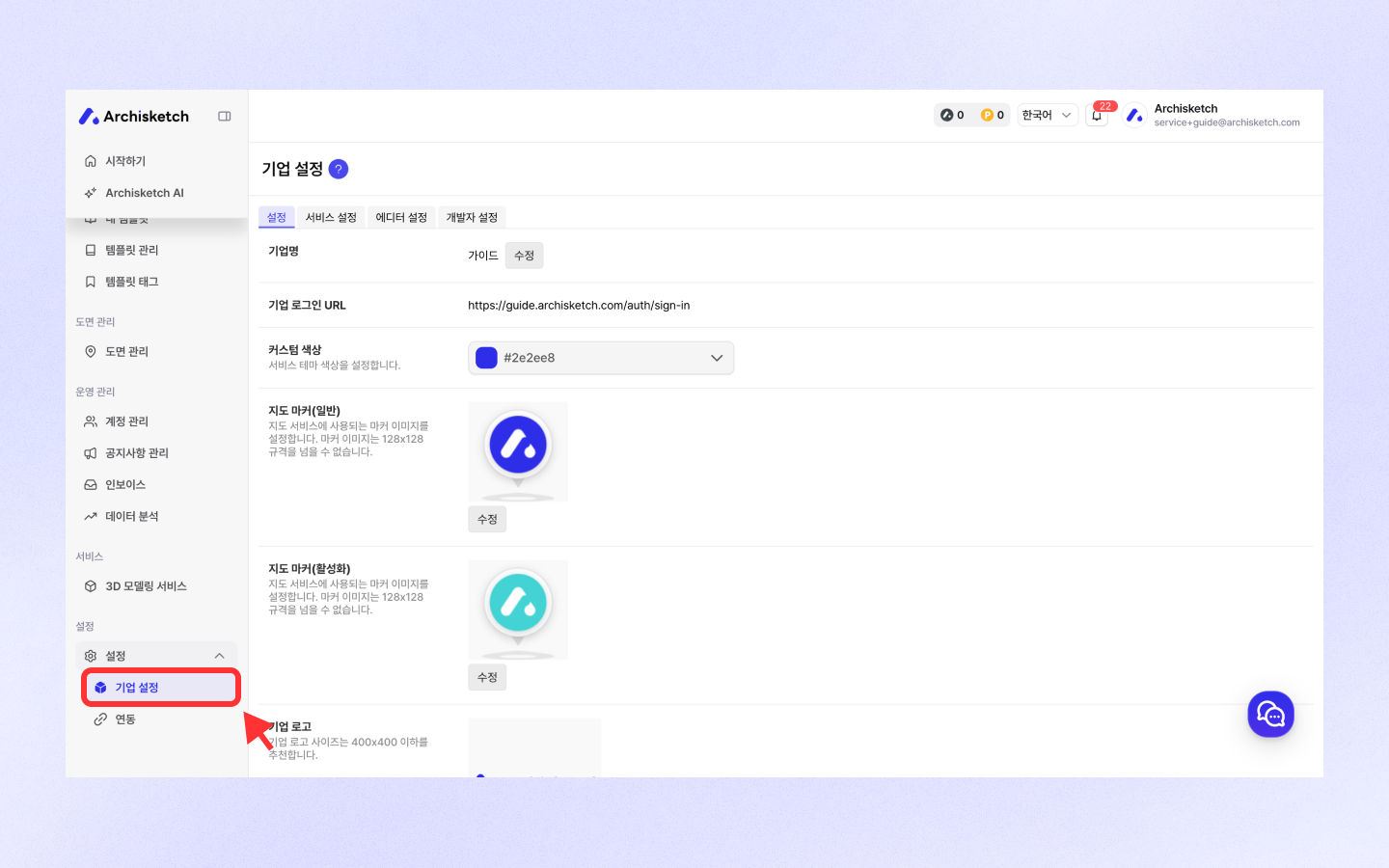
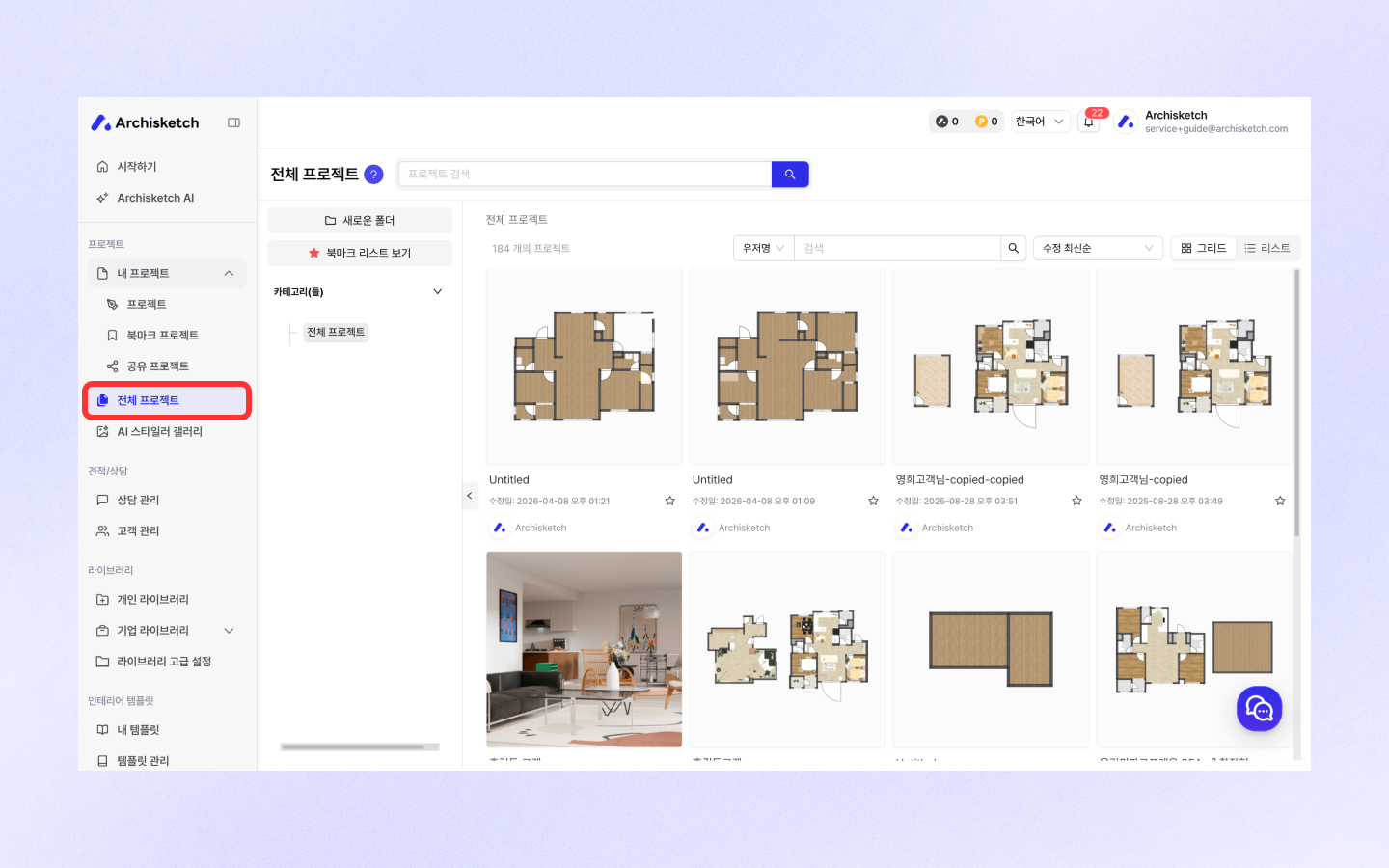
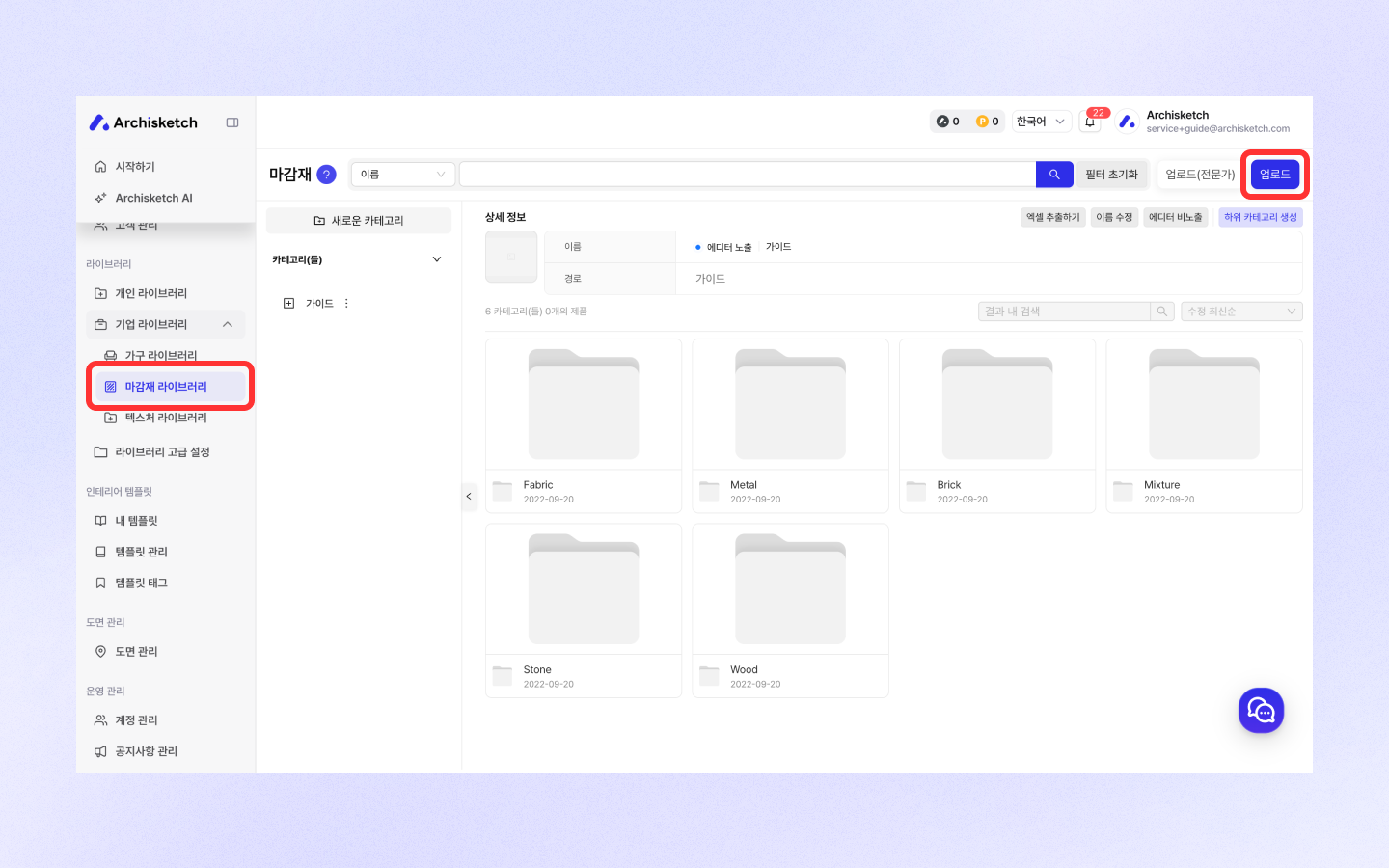
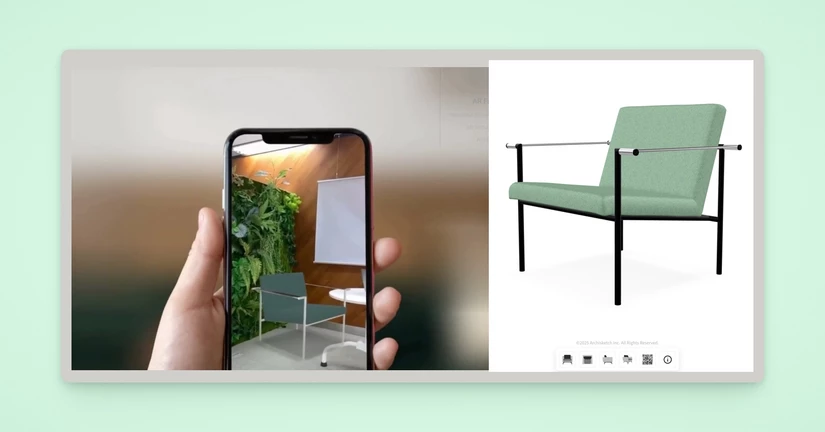
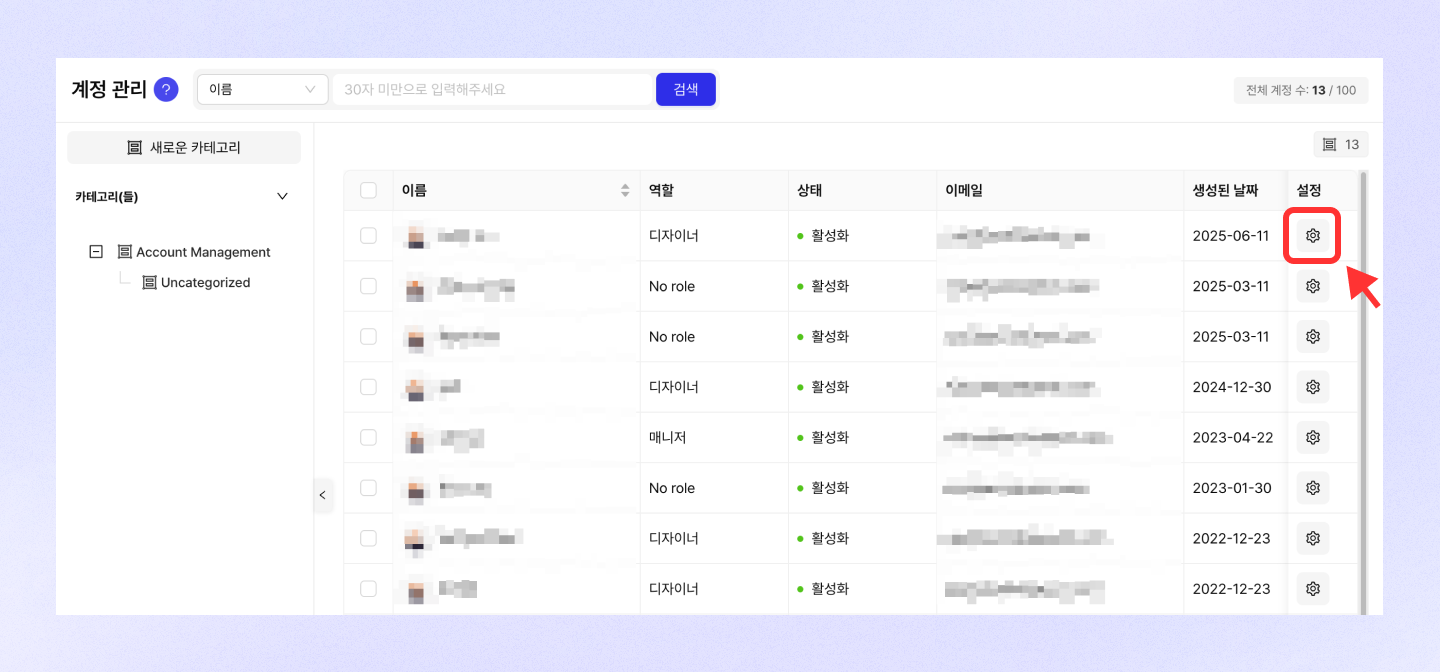
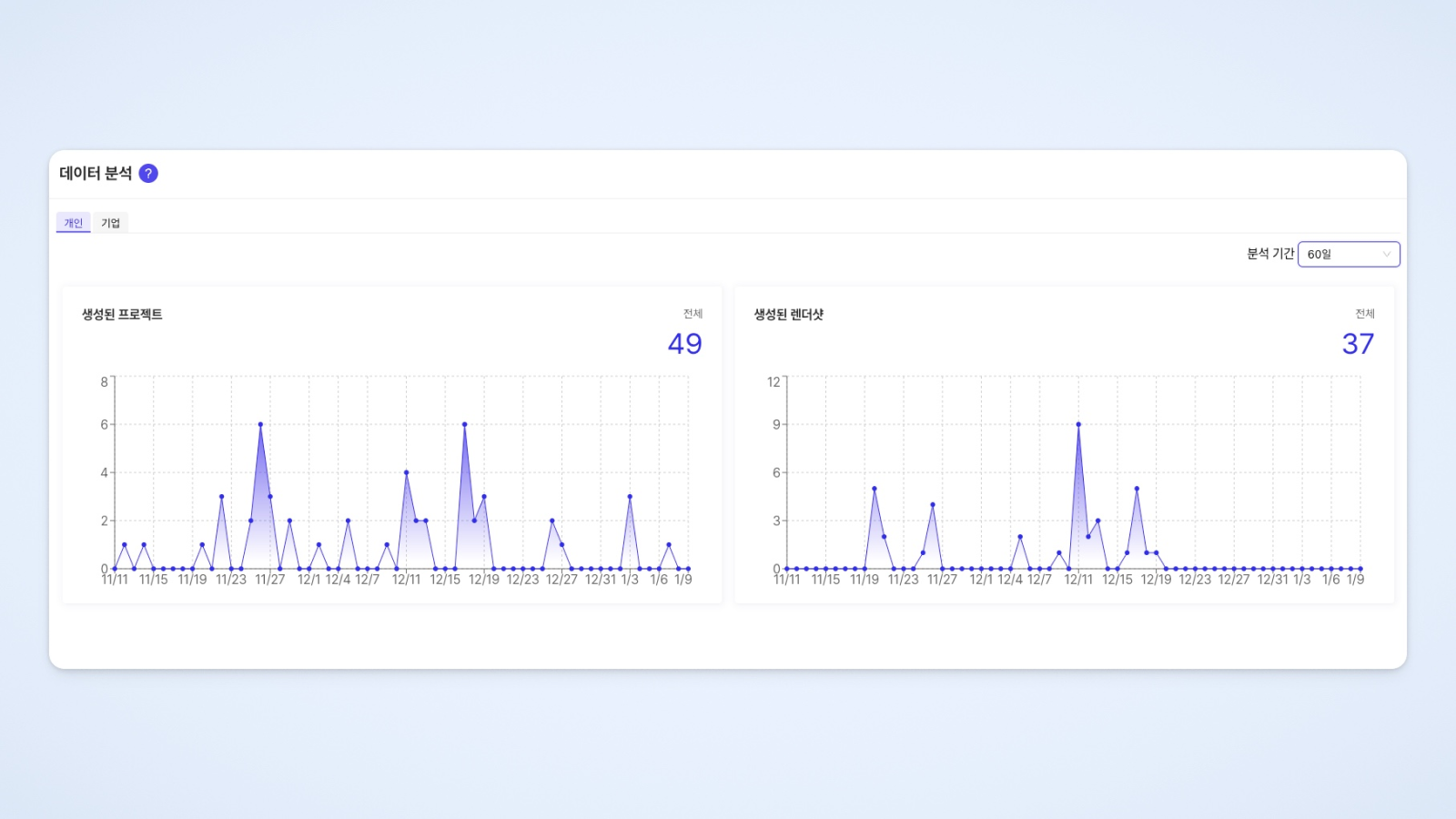
<table data-view="cards"><thead><tr><th></th><th></th><th data-hidden data-card-target data-type="content-ref"></th><th data-hidden data-card-cover data-type="files"></th></tr></thead><tbody><tr><td><h4>企業カスタム設定</h4></td><td>企業向けのカスタム設定でブランドアイデンティティを強化しましょう！</td><td><a href="/guide/enterprise-jp/custom-setting/enterprise-setting.md">企業カスタム設定</a></td><td><a href="https://1909169026-files.gitbook.io/~/files/v0/b/gitbook-x-prod.appspot.com/o/spaces%2Fh5B2S7uKpAIaFKDxegCT%2Fuploads%2Fgit-blob-013dcbeea3fdac07875eb247f1e4e5dc7222f8b6%2FREADME-1.png?alt=media">README-1.png</a></td></tr><tr><td><h4>全体プロジェクト</h4></td><td>企業に所属するメンバーが作業したプロジェクトを一目で確認し、管理できます！</td><td><a href="/guide/enterprise-jp/all-projects/all-projects.md">全体プロジェクト</a></td><td><a href="https://1909169026-files.gitbook.io/~/files/v0/b/gitbook-x-prod.appspot.com/o/spaces%2Fh5B2S7uKpAIaFKDxegCT%2Fuploads%2Fgit-blob-a381267dc6a25a84eb6a89491139f16753c8fd7f%2Fall-projects-1.png?alt=media">all-projects-1.png</a></td></tr><tr><td><h4>家具管理</h4></td><td>家具をグループ化したり、製品情報を修正したり、購入リンクを追加したりするなど、さまざまな設定で家具をより効率的に管理できます。</td><td><a href="/guide/enterprise-jp/manage-furniture/products-category.md">家具管理</a></td><td><a href="https://1909169026-files.gitbook.io/~/files/v0/b/gitbook-x-prod.appspot.com/o/spaces%2Fh5B2S7uKpAIaFKDxegCT%2Fuploads%2Fgit-blob-013dcbeea3fdac07875eb247f1e4e5dc7222f8b6%2FREADME-1.png?alt=media">README-1.png</a></td></tr><tr><td><h4>仕上げ材管理</h4></td><td>仕上げ材製品を管理する方法をご案内します。</td><td><a href="/guide/enterprise-jp/manage-finishing/upload-finishing.md">仕上げ材管理</a></td><td><a href="https://1909169026-files.gitbook.io/~/files/v0/b/gitbook-x-prod.appspot.com/o/spaces%2Fh5B2S7uKpAIaFKDxegCT%2Fuploads%2Fgit-blob-c71861c6ac077f3c3ae9dc357f74cc650c43bc76%2Fupload-finishing-1.png?alt=media">upload-finishing-1.png</a></td></tr><tr><td><h4>ARビューア</h4></td><td>Archisketch AR（製品配置）機能をご紹介します ✨</td><td><a href="/guide/enterprise-jp/ar-viewer/ar-viewer.md">ARビューア</a></td><td><a href="https://1909169026-files.gitbook.io/~/files/v0/b/gitbook-x-prod.appspot.com/o/spaces%2Fh5B2S7uKpAIaFKDxegCT%2Fuploads%2Fgit-blob-140c6866a560629b454ad59ee6a1f3b0dbad2deb%2FREADME-5.webp?alt=media">README-5.webp</a></td></tr><tr><td><h4>相談管理</h4></td><td>顧客情報を簡単に管理し、プロジェクトに配置した家具をそのまま見積書に連携して、すばやく見積もりを出せるArchisketchの便利な機能！</td><td><a href="/guide/enterprise-jp/quote-consultation/how-to-use-crm.md">見積/相談</a></td><td><a href="https://1909169026-files.gitbook.io/~/files/v0/b/gitbook-x-prod.appspot.com/o/spaces%2Fh5B2S7uKpAIaFKDxegCT%2Fuploads%2Fgit-blob-c71861c6ac077f3c3ae9dc357f74cc650c43bc76%2Fupload-finishing-1.png?alt=media">upload-finishing-1.png</a></td></tr><tr><td><h4>アカウント管理</h4></td><td>企業メンバーの役割と権限を簡単に設定し、チーム管理とセキュリティをより効率的に行えます！</td><td><a href="/guide/enterprise-jp/manage-account/manage-account.md">アカウント管理</a></td><td><a href="https://1909169026-files.gitbook.io/~/files/v0/b/gitbook-x-prod.appspot.com/o/spaces%2Fh5B2S7uKpAIaFKDxegCT%2Fuploads%2Fgit-blob-fa2aa481a5adea543eab7c12a5df3bb1c845da54%2FREADME-7.png?alt=media">README-7.png</a></td></tr><tr><td><h4>データ分析</h4></td><td>プロジェクト作成とレンダショット撮影量のデータを提供し、効果的な分析とインサイトの導出を支援します。</td><td><a href="/guide/enterprise-jp/data-analysis/data-analysis.md">データ分析</a></td><td><a href="https://1909169026-files.gitbook.io/~/files/v0/b/gitbook-x-prod.appspot.com/o/spaces%2Fh5B2S7uKpAIaFKDxegCT%2Fuploads%2Fgit-blob-8fc0487dc30d39f82d8e3f841cae2960adfad518%2FREADME-8.jpg?alt=media">README-8.jpg</a></td></tr><tr><td><h4>お知らせ</h4></td><td>Archisketchの変更内容を一度に確認してみてください。</td><td><a href="/guide/enterprise-jp/notice/change-of-finishing-info-format.md">お知らせ</a></td><td><a href="https://1909169026-files.gitbook.io/~/files/v0/b/gitbook-x-prod.appspot.com/o/spaces%2Fh5B2S7uKpAIaFKDxegCT%2Fuploads%2Fgit-blob-f5f7a6345be20a8f8125b6ec739a243df6bcd246%2FREADME-9.png?alt=media">README-9.png</a></td></tr></tbody></table>


---

# Agent Instructions
This documentation is published with GitBook. GitBook is the documentation platform designed so that both humans and AI agents can read, navigate, and reason over technical content effectively. Learn more at gitbook.com.

## Querying This Documentation
If you need additional information that is not directly available in this page, you can query the documentation by asking a question.

Perform an HTTP GET request on the following URL with the `ask` and `goal` query parameters:

```
GET https://docs.archisketch.com/guide/enterprise-jp/readme.md?ask=<question>&goal=<user_goal>
```

`ask` is the immediate question: it should be specific, self-contained, and written in natural language.
`goal` is what the user is ultimately trying to achieve, the reason they need the answer. Sharing it helps GitBook give you a better, more relevant answer. A goal is most helpful when it describes the outcome the user wants rather than restating the question. For example, with `ask=how do I create an API token`, a goal like `automate deployments from our CI pipeline` lets GitBook tailor the answer to that use case.

The response will contain a direct answer to the question and relevant excerpts and sources from the documentation.

Use this mechanism when the answer is not explicitly present in the current page, you need clarification or additional context, or you want to retrieve related documentation sections.